Whether you own a two-family home in Queens, manage a multi-unit building in Brooklyn, or run a retail store in the Bronx — a professionally installed security camera system is one of the smartest investments you can make. But with dozens of camera types, brands, and technologies on the market, knowing where to start can feel overwhelming. This guide breaks it all down.
THE MAIN TYPES OF SECURITY CAMERAS
Not all cameras are built for the same purpose. Here are the most common types installed in NYC residential and commercial properties — and what each one is best suited for.
Bullet cameras
Long, cylindrical shape. Ideal for monitoring long driveways, parking areas, and building exteriors. Highly visible — strong deterrent effect.
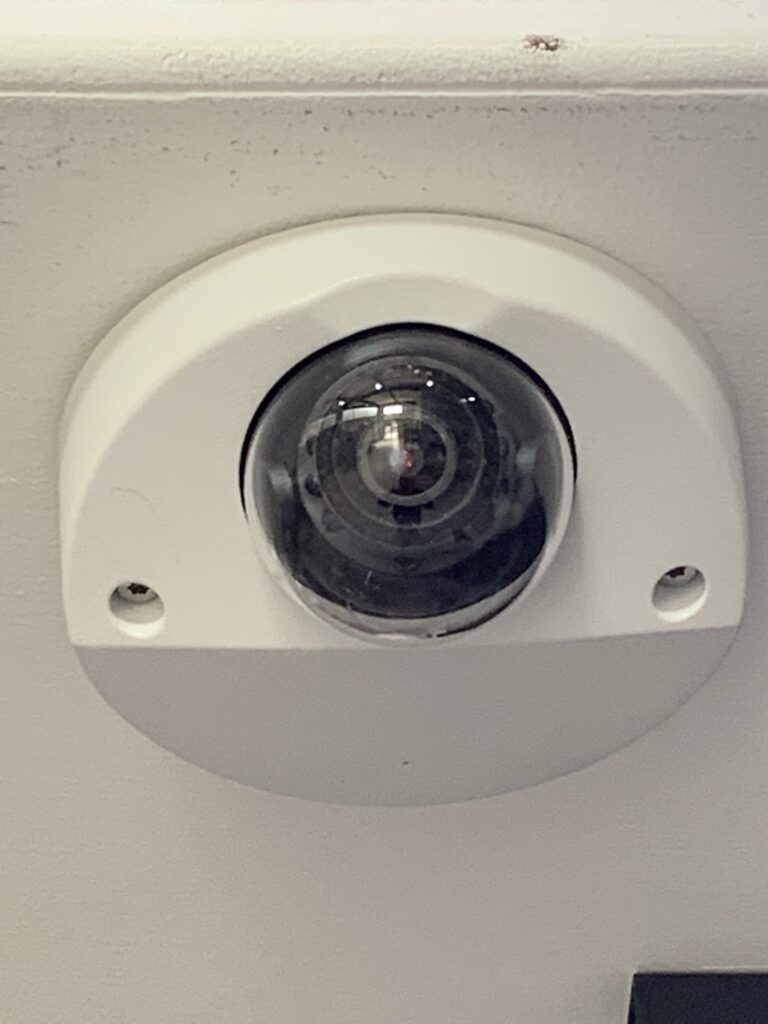
Dome cameras
Ceiling-mounted, compact design. Common in hallways, lobbies, and retail interiors. Vandal-resistant models available for high-risk locations.
PTZ cameras
Pan-tilt-zoom cameras that can be remotely controlled to track movement. Best for large outdoor areas, parking lots, and commercial properties.
Covert cameras
Hidden or disguised cameras for discreet monitoring. Used in retail loss prevention and sensitive interior locations.
Active deterrent cameras
Equipped with built-in spotlights and audio alarms that trigger on motion detection. Stops incidents before they escalate — not just records them.
Doorbell / entry cameras
Monitor building entrances, package deliveries, and visitor activity. Often integrated with intercom and access control systems.
ANALOG CCTV VS. IP CAMERA SYSTEMS
Analog / HD-TVI systems
Advantages: Lower upfront cost, works with existing coaxial wiring, simple setup and maintenance, reliable for basic coverage.
Limitations: Lower resolution than IP, limited remote access features, harder to scale or expand, no built-in analytics.
IP / network camera systems
Advantages: High-definition video (4K+ available), remote viewing from any device, AI-powered analytics and alerts, easy to add cameras as needed.
Limitations: Higher upfront installation cost, requires network infrastructure, more complex to configure, dependent on internet reliability.
UA Security tip: For most NYC multi-family homes and small businesses, a hybrid HD-TVI system hits the sweet spot — the image quality of IP cameras using your building’s existing coaxial wiring, at a fraction of the cost of a full IP network overhaul.
REAL BENEFITS BEYOND DETERRENCE
Crime deterrence: Studies consistently show that visible cameras reduce break-ins, vandalism, and package theft — particularly in multi-unit residential buildings and retail corridors.
Insurance liability protection: Footage from an incident can be the difference between winning and losing a slip-and-fall or property damage claim. Many NYC insurers offer premium discounts for documented camera coverage.
Remote monitoring: Modern IP systems let landlords, property managers, and business owners monitor their property in real time from any smartphone — anywhere in the world.
Tenant and employee confidence: A well-monitored building signals professionalism and accountability, which improves tenant retention and reduces turnover costs.
Evidence for police and legal action: NYPD routinely requests footage from building cameras to investigate incidents. Clear, timestamped HD footage dramatically increases the likelihood of arrest and prosecution.
Property value: A professionally installed camera system is an asset that transfers with the property — and is increasingly expected by buyers and commercial tenants in NYC.
WHAT TO LOOK FOR BEFORE YOU BUY
Resolution: For facial identification and license plate capture, you need a minimum of 2MP (1080p). For large outdoor areas, 4MP–8MP cameras are recommended.
Night vision capability: Look for infrared (IR) or full-color night vision. Active deterrent cameras with built-in white-light LEDs provide color footage at night and scare off intruders simultaneously.
Weather resistance (IP rating): NYC outdoor cameras need a minimum IP66 rating to handle rain, snow, humidity, and temperature swings. IP67 and IP68 rated cameras are ideal for exposed locations.
Storage and recording: Decide between local DVR/NVR recording, cloud storage, or a hybrid of both. For most NYC buildings, a local NVR with 30+ days of storage is the standard recommendation.
Coverage zones: A licensed installer will conduct a site assessment to identify blind spots, entry points, and coverage overlaps — critical for both security and insurance documentation purposes.
Licensed installation: In New York State, security system installation requires a licensed contractor. Always verify credentials — an unlicensed install can void your insurance coverage and create legal liability.
FREQUENTLY ASKED QUESTIONS
Q: How many cameras does my NYC building need?
A: It depends on the size and layout of your property. As a general rule, multi-family buildings in NYC should cover all entry and exit points, stairwells, hallways, and the building perimeter. A licensed security installer will conduct a free site assessment and recommend a camera count based on your specific property and risk profile.
Q: Do I need a permit to install security cameras in New York City?
A: For most residential and commercial camera installations, a building permit is not required. However, any installation that involves structural modifications or integration with a building’s electrical system may require permits. Your installer should advise you on compliance requirements for your specific project.
Q: What’s the difference between DVR and NVR systems?
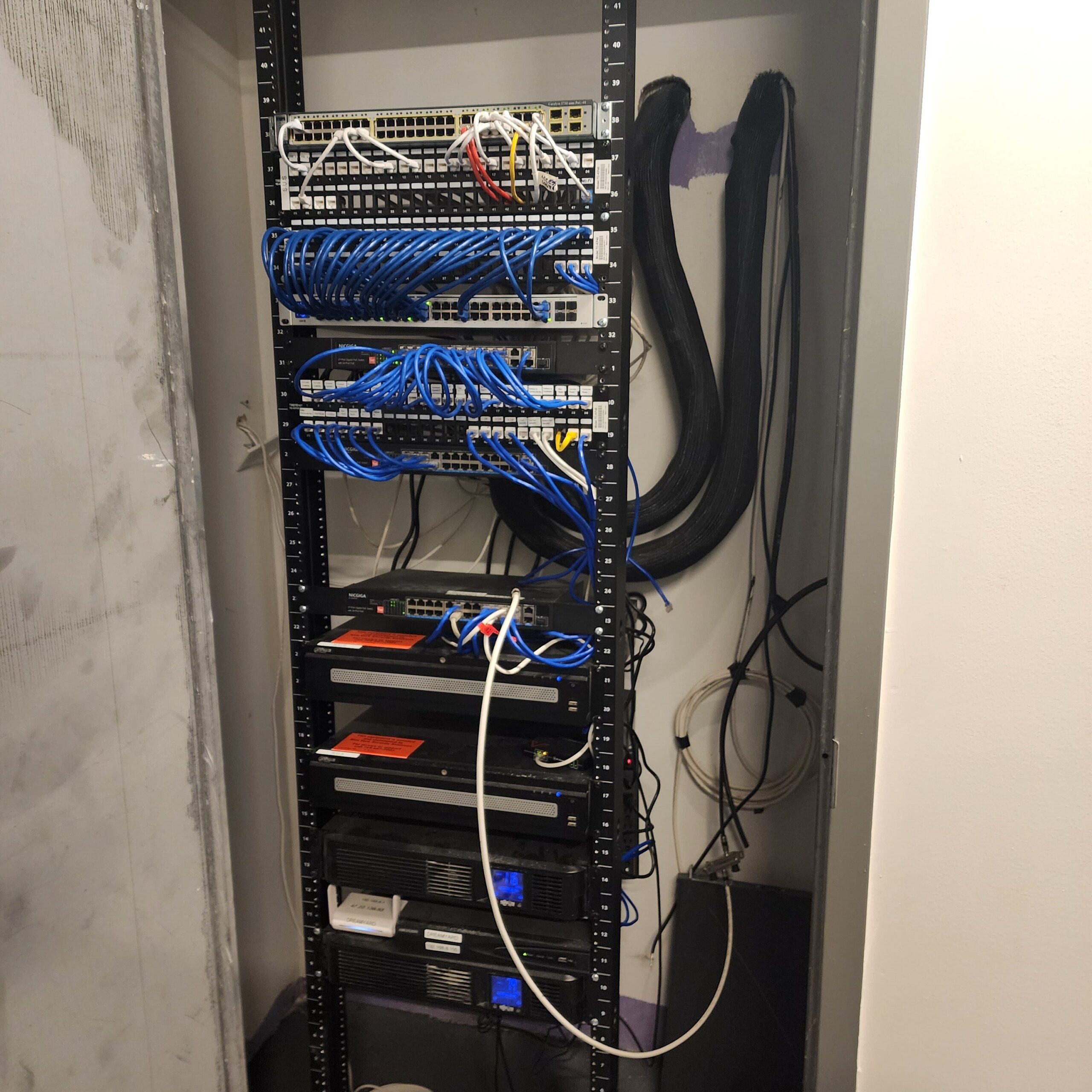
A: A DVR (Digital Video Recorder) works with analog cameras over coaxial cable. An NVR (Network Video Recorder) works with IP cameras over a network connection, offering higher resolution and more flexibility. The right choice depends on your existing wiring and the type of cameras you install.
Q: Can I view my security cameras remotely from my phone?
A: Yes. Modern IP camera systems and many HD-TVI systems allow real-time remote viewing through a smartphone app. UA Security configures remote access during installation and ensures your system is secured with encrypted connections to prevent unauthorized access.
Q: How long does security camera installation take?
A: A typical residential installation of 4–8 cameras takes 4–8 hours. Larger commercial installations with 16+ cameras may take one to two days. UA Security provides a detailed installation timeline before work begins so there are no surprises.
Q: What security camera brands do you service and install?
A: UA Security installs and services all major brands including Hikvision, Dahua, Axis, Hanwha, Bosch, Uniview, and Lorex. We recommend systems based on your budget, property type, and coverage requirements — not based on brand preference alone.
Q: Do you repair existing security camera systems?
A: Yes. We repair cameras that are offline, showing blurry or no footage, have damaged wiring, or have DVR/NVR issues. We service all major brands and can often repair an existing system for a fraction of the cost of a full replacement.
Ready to protect your property with a professional camera system?
UA Security serves all five NYC boroughs — Queens, Brooklyn, the Bronx, Manhattan, and Staten Island. Licensed, experienced, and available 7 days a week. Call us for a free on-site assessment and quote.
Call (347) 433-6873
Visit https://www.uasecurity.com/security-camera-systems.htm